
GPU Image Transforms
Resize, normalize, crop, flip, rotate, and blur — each available as a standalone call or chained in a pipeline. All operations run on the accelerator.
Vision
A complete image and video runtime for machine learning. Load, decode, transform, and normalise through one GPU-first media runtime. Every frame arrives as a tensor, ready for inference or training.
What it covers
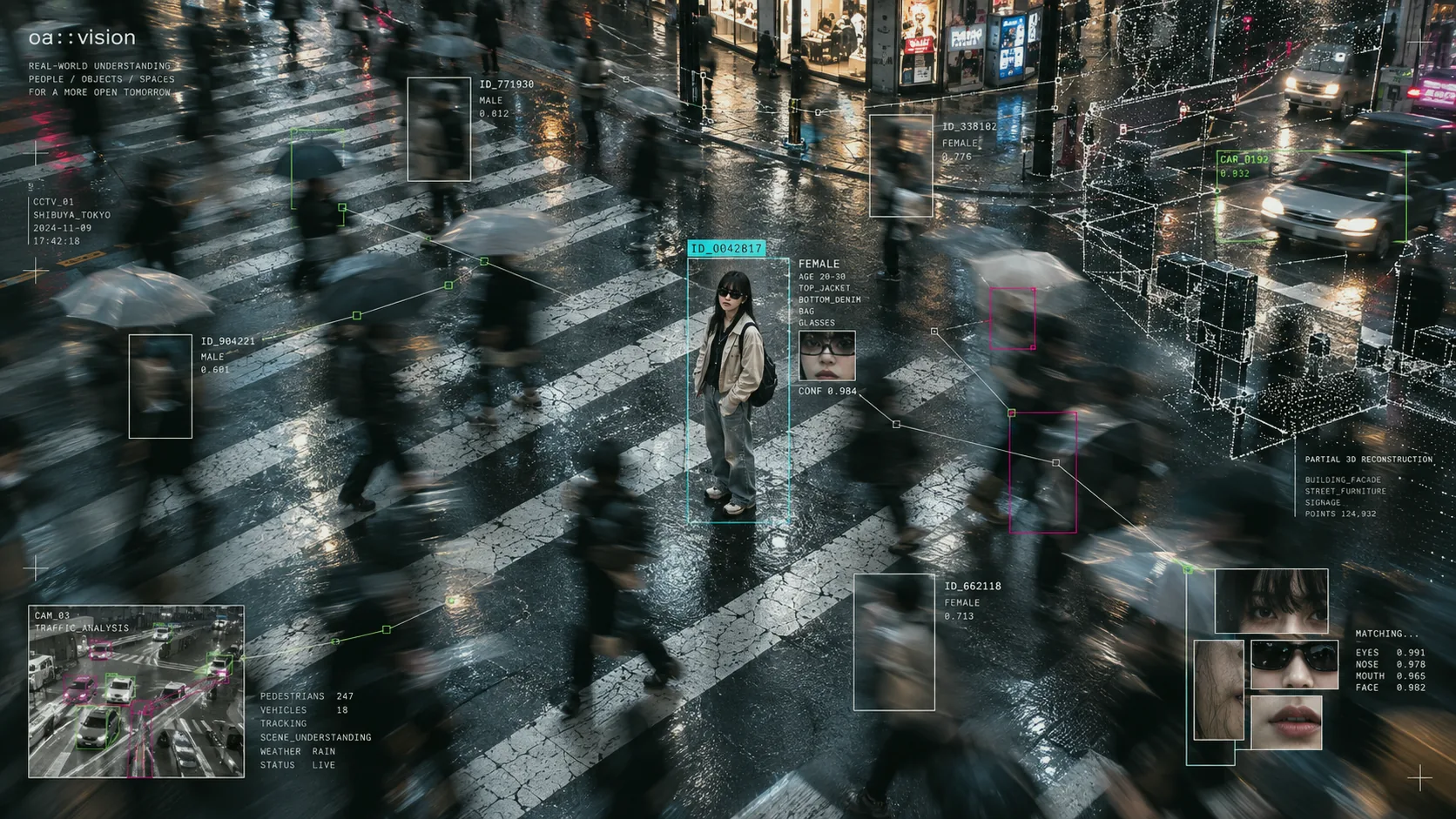
Comprehensive image transformations for machine learning. Resize, normalize, crop, and more — all optimized for GPU workloads.
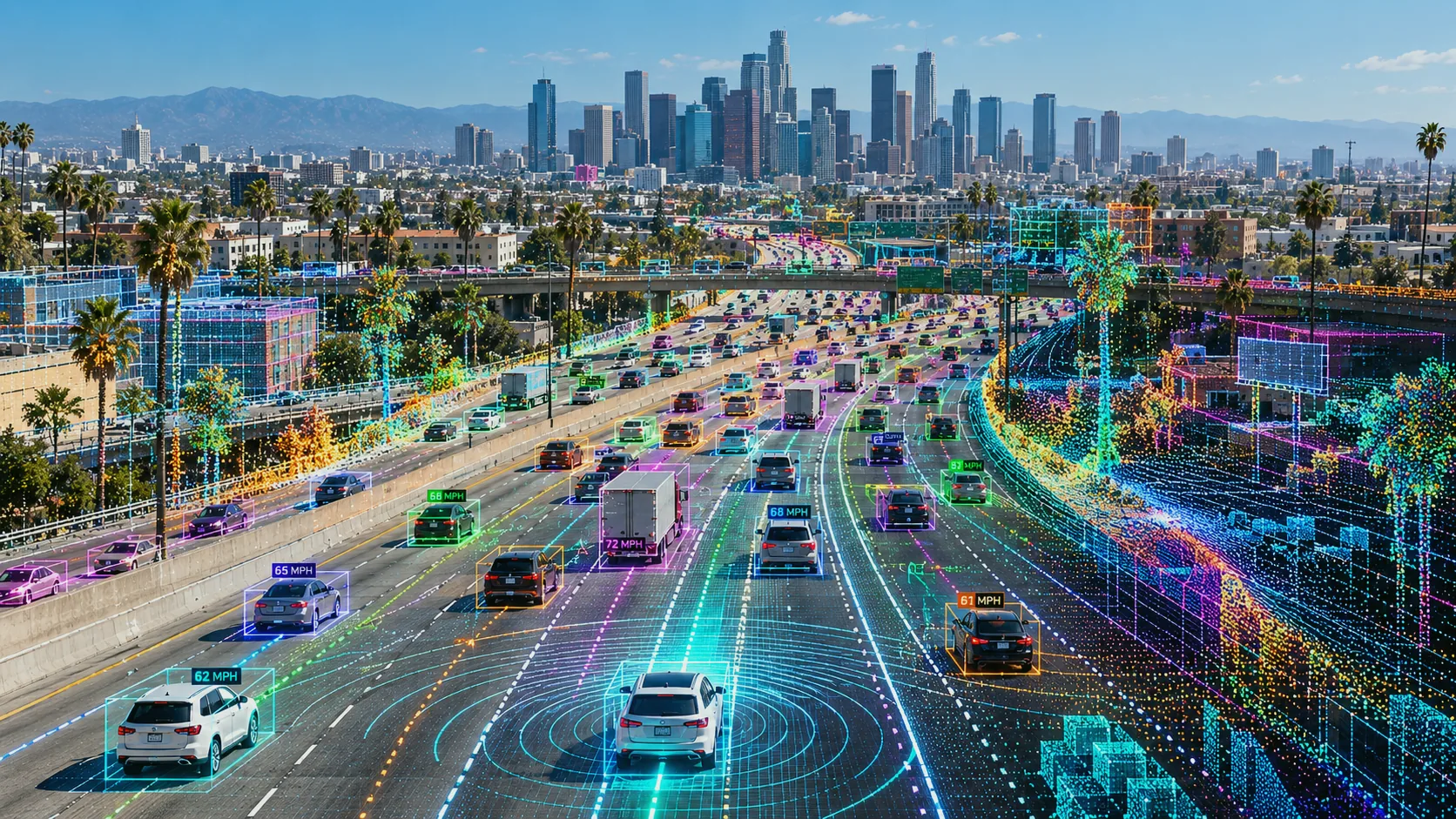
Vulkan Video decoding for H.264, H.265, AV1, and VP9 when the device exposes the required profiles and formats.
Seamless integration with machine learning pipelines. Video frames become model-ready tensors in a single operation.
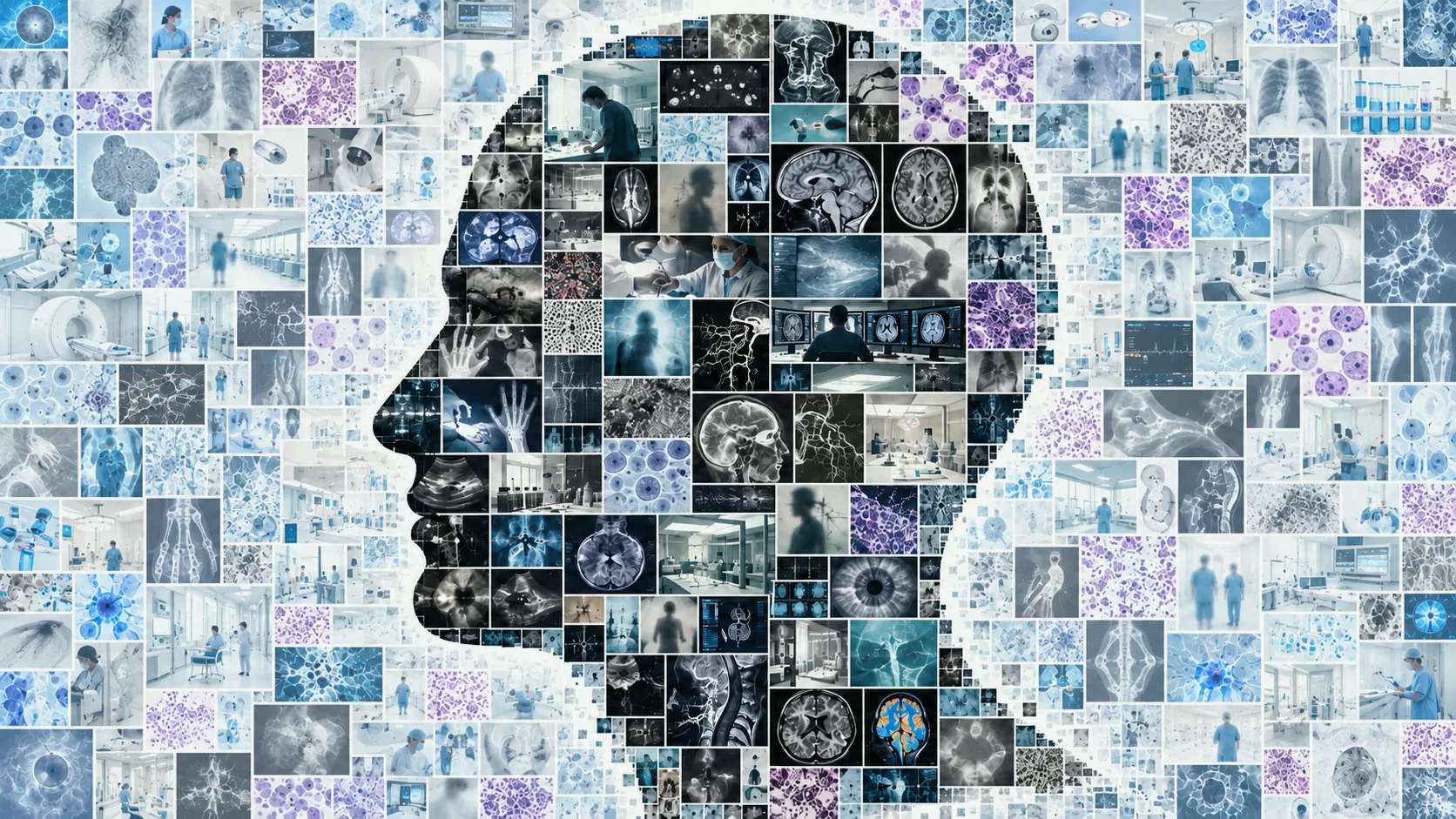
One vendor-neutral API admits only the codec, format, queue, and kernel routes exposed by the selected device.
OA Viewer
OA Viewer makes image and video state inspectable while the same device-resident values continue to serve a pipeline. These captures come from the C++ Viewer; matching Rust and Python Viewer previews now exist in the private development tree.
Capabilities
Semantic images and video frames remain device-resident through ingest, transformation, model preparation, and preview. Stateful decode sessions exist only where media lifecycle requires them.
API
Each operation is a direct call. No pipeline objects to configure before you can resize an image. No session lifecycle for a normalisation pass. Stateful resources — decoders, encoders — exist where they earn their keep.
This condensed SDK path decodes a JPEG, resizes it on the device, applies brightness and contrast, and reads the semantic image as a matrix. Rust and Python keep the same operation sequence.
1use oa::{Engine, ImageFormat, Path, image};23let engine = Engine::new()?;4let path = Path::asset_rel("image/visionTestPattern320x180.jpg");5let source = image::decode_file(&engine, &path, ImageFormat::Rgb)?;6let small = image::resize(&source, 160, 90,7 image::InterpolationMode::Bilinear)?;8let adjusted = image::brightness_contrast(&small, 0.05, 1.1)?;9let values = adjusted.as_matrix().read_f32()?;10assert_eq!(values.len(), 3 * 90 * 160);
Media Support
Vision queries the selected device before opening a session, then admits only the codec, format, queue, conversion, and resolution routes it can support. Hardware-specific decisions stay private while availability remains explicit.
Oa Library
Follow the same Engine, values, and explicit execution contract into another module.